
How to Get Bilingual Subtitles on Netflix
Netflix only shows one subtitle language at a time. To see two at once — the language you're learning and its translation — you need a browser extension. Here's the quickest way to set it up, and how to turn it into real learning.
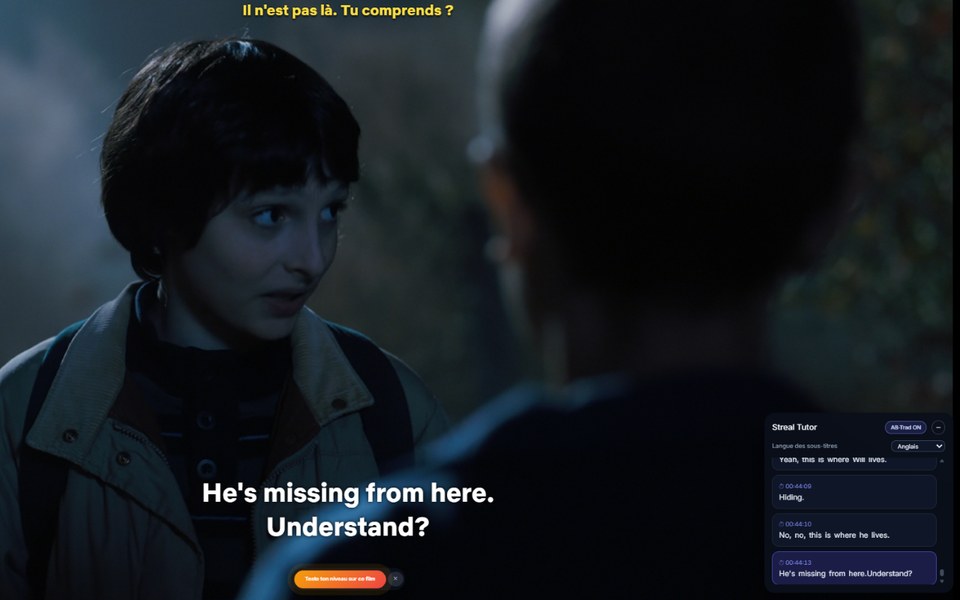
Bilingual subtitles (also called dual subtitles) put two languages on screen at the same time. Netflix doesn't offer this natively, but you can add it in a few minutes with a free Chrome extension. Follow the steps below.
Get dual subtitles on Netflix in 5 steps
- Use Netflix in a desktop browser. Open Netflix in Chrome on a computer. The Netflix TV and phone apps only show one subtitle language, so dual subtitles need the browser.
- Install a dual-subtitle extension. Add Streal from the Chrome Web Store — it's free.
- Press play. Open any film or series on Netflix and start watching. Streal appears discreetly over the player.
- Choose your two languages. Pick the language you're learning and your own language for the translation.
- Read both subtitles together. The two lines now show continuously — and you can click any word to understand it.
Skip the setup — just add Streal
One click installs everything you need for bilingual subtitles on Netflix. Free to start.
Add to Chrome — freeDual subtitles are the start — not the finish
Two subtitle lines help you follow along, but reading isn't the same as learning. Streal turns that same moment into progress:
Click any word for an in-context explanation
Not just a dictionary entry — the meaning inside the sentence, the nuance, and the grammar rule behind it. Each word is saved with the exact scene, so you can jump back and review it later.
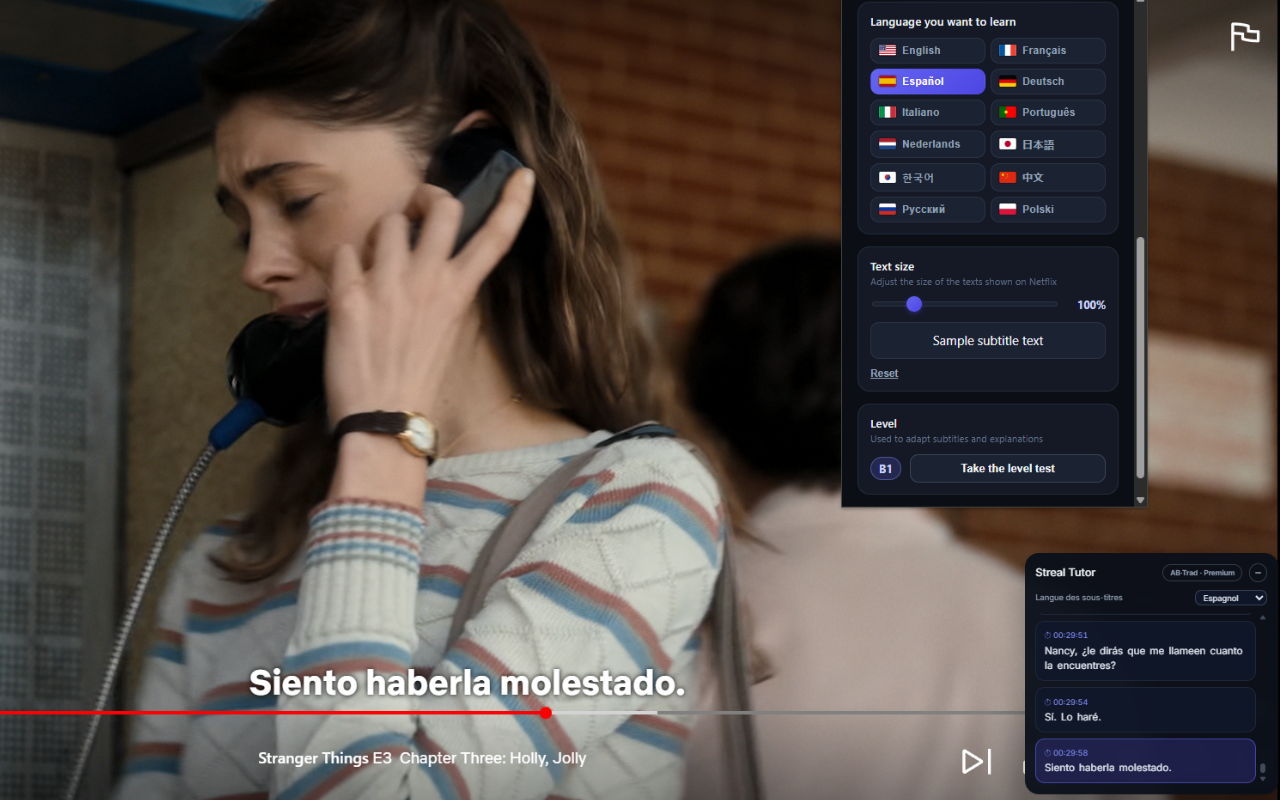
At the end of an episode, take a quick quiz built from its own dialogue, and download a PDF recap. That's the difference between watching with two subtitles and actually learning from them.
Why dual subtitles help more than one language alone
Reading one line while hearing another is what teaches your ear where words actually end, which is the second of the three obstacles described in why you still cannot understand native speakers. It is also what makes real content usable before you have the vocabulary for it, the argument in why immersion alone does not work at A1 and A2.
FAQ
Can Netflix show two subtitles at once?
Not on its own — Netflix displays one subtitle track at a time. Bilingual subtitles require a browser extension like Streal.
Does it work on the Netflix TV or phone app?
Dual subtitles work in a desktop browser (Chrome). Watch on your computer to use them.
Which languages can I combine?
English, French and Spanish, each complete from A1 to C2, paired with your own language for the translation.
Is it free?
Yes, you can start for free. Premium adds unlimited saved words and quizzes.